
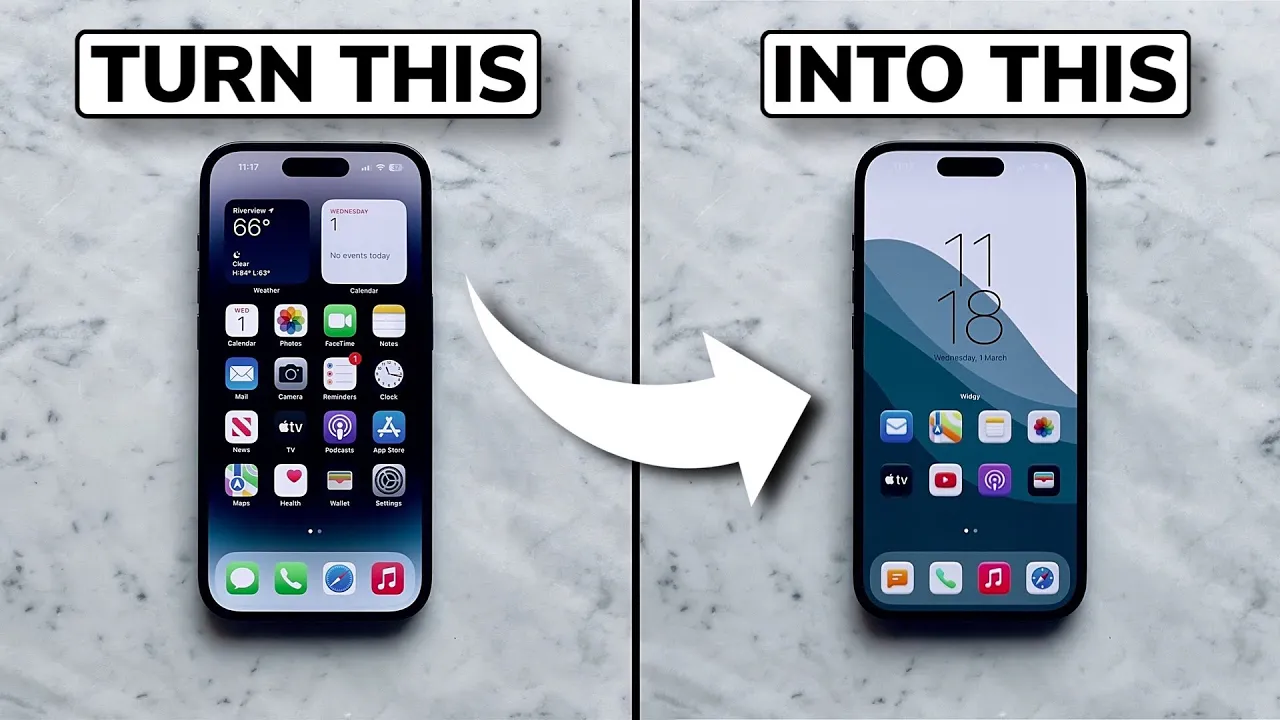
How to Import Widgets into Widgy
Learn how to import your widgets into Widgy and add them to your Home Screen in just a few minutes.
1
Download Widgy Widgets from the App Store. It is required to use all widgets included with your purchase.

2
Open Widgy and go to the Create tab. Tap Import, then select the .widgy file included in your download. Once imported, the widget will appear in your widget library.

3
Go to the Manage tab.

4
Choose an available widget slot, then assign the imported widget to that slot.

Prefer a visual walkthrough? Watch the complete tutorial below.