
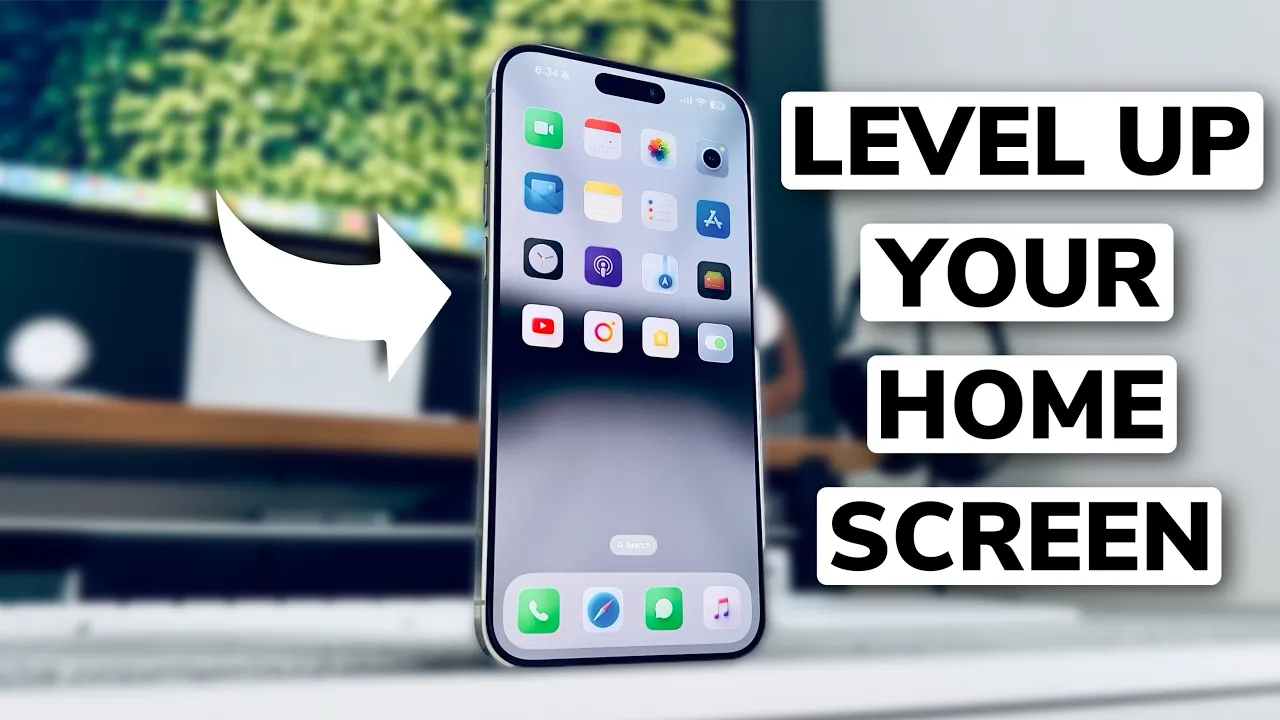
How to Apply Custom App Icons on iPhone
Learn how to replace your app icons with custom designs using Apple’s built-in Shortcuts app. No third-party launcher required.
1
Download shortcut app from Appstore

2
Open Shortcuts App. Tap "+"

3
Add action "Open App"

4
Select your app

5
Choose "Add to Home Screen"

6
Select image and custom icon file

Prefer a visual walkthrough? Watch the complete tutorial below.