
How to Set Up Formless Wallpaper
To achieve the transparent illusion effect with Formless icons, it’s essential to set up your home screen wallpaper correctly. Follow the steps below to ensure a seamless experience.
Light Wallpaper Setup
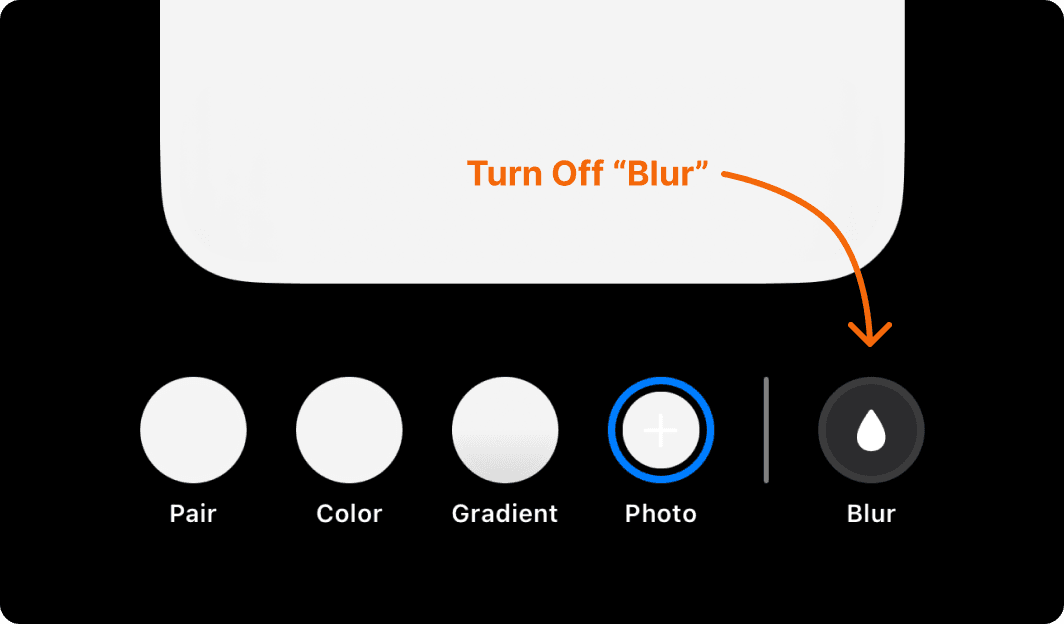
Turn Off Blur: Download the light wallpaper provided in the Formless folder and set it as your home screen wallpaper. Ensure the blur effect is turned off.
Apply the Light Icon Theme
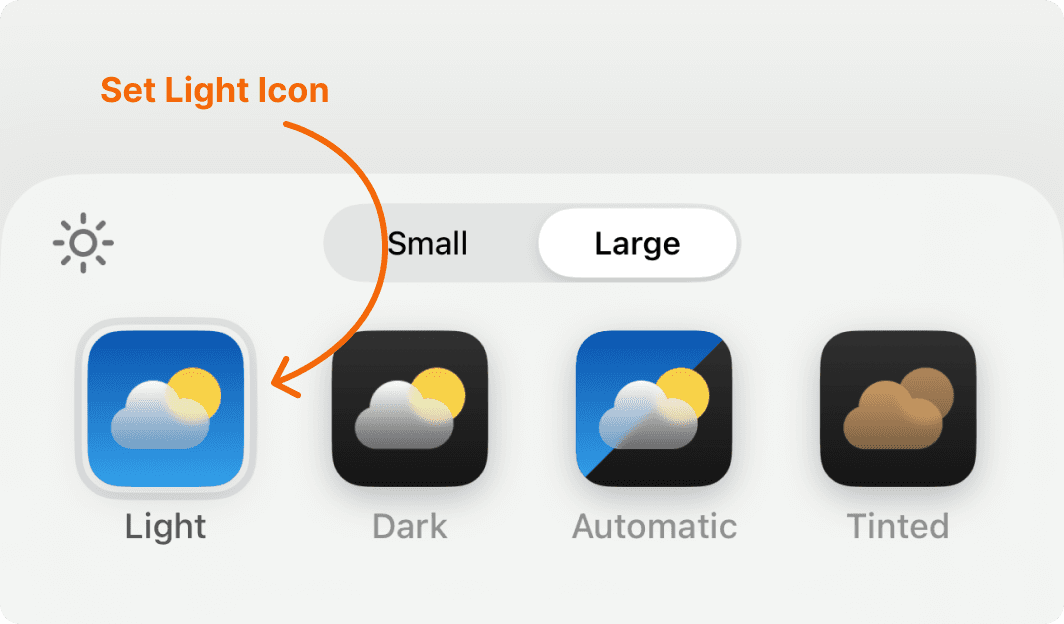
Tap and hold on your home screen to access the customization settings in the top-left corner.
Select the light icon set and apply the settings as shown in the reference screenshot.
Please make sure you turn off "Dim Wallpaper."
Enable Light Mode
Go to Settings > Display & Brightness > Appearance and select Light Mode.
Dark Wallpaper Setup
Using Dark Mode? Simply follow the same steps using the dark wallpaper and dark icon theme, then switch your iPhone to Dark Mode with Dim Wallpaper enabled.